

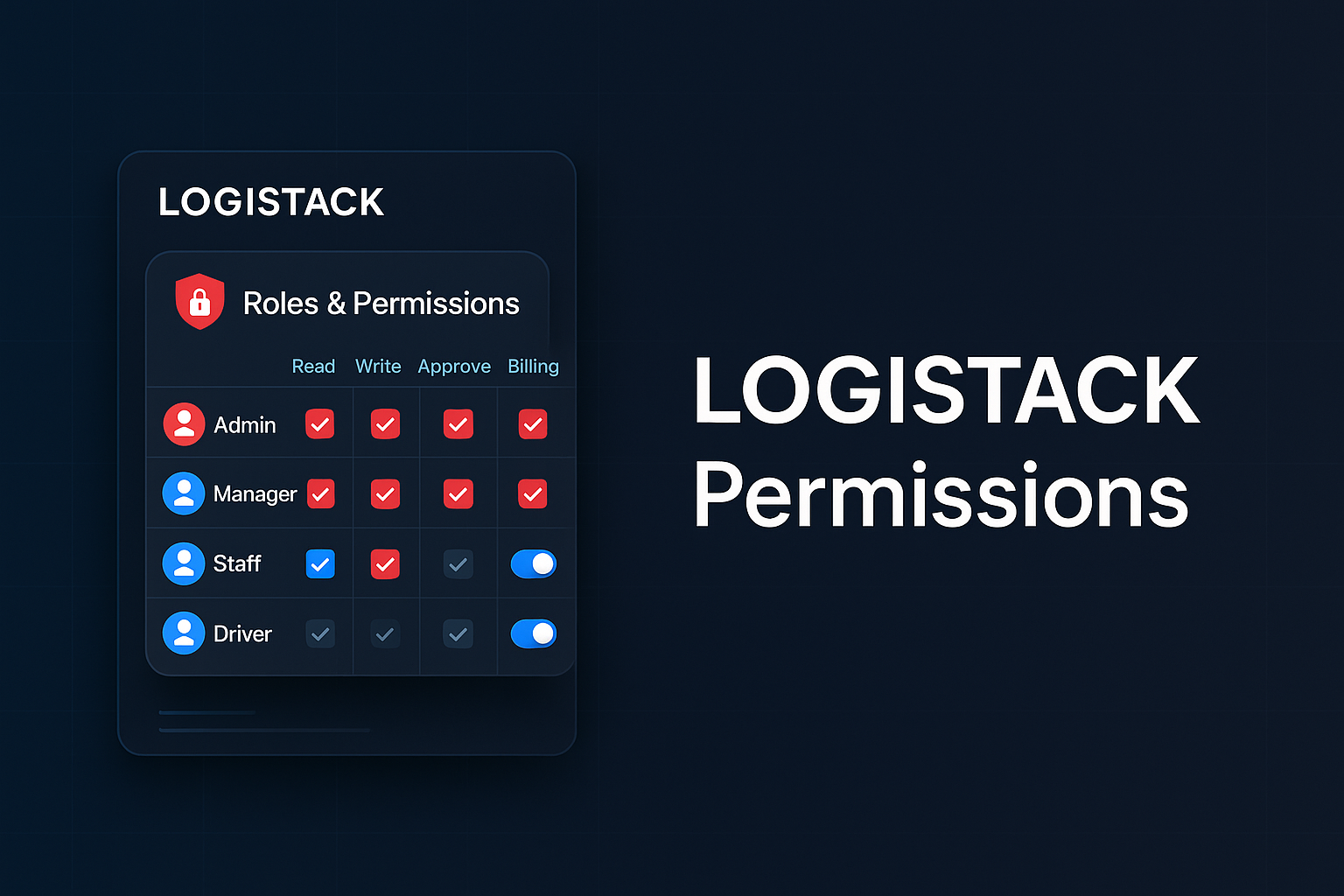
LOGISTACK Permissions
 By Lee Miller
26 September, 2025
By Lee Miller
26 September, 2025
Permissions are one of the LOGISTACKs cornerstones, there are six user types, in order of rank - superuser, admin, manager, supervisor, staff and driver.
Superuser
Almost identical to an Administrator, only a Superuser cannot be edited or deleted by anyoneone, not even another Superuser. This user type has additional protectyions in place, such as their deletion cannot even take place in the database - see Administrator permissions below, for a full list of what they access.
When adding your team to LOGISTACK, don't set the permissions to Superuser unless you're 100% happy with your profile, and have uploaded an avatar.
THis role is best suited to a person in your organisation that is technically astute, or the person that's in charge.
Administrator
Full access to all features, can add, edit and delete, send invoices, access the company finances and create latest news post.
Manager
Access to most features, cannot delete or send invoices, but has access the company finances and able create latest news posts.
Supervisor
Access to most features, cannot delete or send invoices, has access the company finances and able create latest news posts. Additionally Supervissors cannot edit the company information, or send invoices.
Supervisors are generally used as a trainee system administrator position, they have a fair amount of access but cannot cause any lastiing damage.
I use the supervisor role for the trial demo version of LOGISTACK.
Driver
Access to Jobs assigned to them, and the POD upload section - only drivers have access to the latter.
Staff
Access to chat, private messaging, can read news and post a comment under articles.
Contact me
Contact me on lee@venture-logistics.co.uk, or phone, text or WhatsApp on 077 888 211 21
